API Integration Services: Connecting Your Website to Third-Party Tools
Somewhere inside most growing businesses there’s a quiet tax being paid every single day: someone manually re-typing an order from the website into the accounting system, manually exporting leads from a form and importing them into a CRM, manually checking a shipping carrier’s site to update a customer. An API integration removes that tax entirely by letting your website and your business software exchange data automatically, instantly, and without a human in the loop. API stands for Application Programming Interface — in plain terms, it’s a defined, secure channel that lets two separate pieces of software talk to each other in a language they both understand. This tax rarely shows up on a spreadsheet as a single line item, which is exactly why it survives so long — it’s absorbed as the cost of “just how things are done,” spread thinly across dozens of small, repetitive tasks rather than one obvious expense anyone questions. The businesses that eventually notice it tend to be the ones scaling fastest, since a manual process that was merely annoying at ten orders a day becomes genuinely unworkable at two hundred, and by then the cost of the delay in fixing it has already compounded.
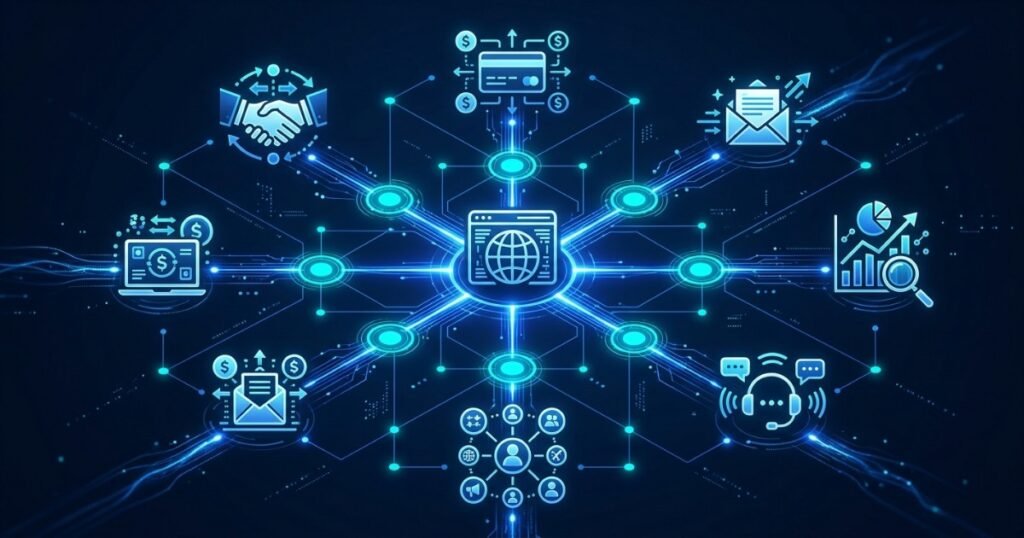
At Webtoz, API integration work makes up a significant share of what we build — connecting websites and internal platforms to payment gateways, CRMs, ERPs, shipping providers, email marketing tools, and bespoke internal systems that were never designed to talk to each other in the first place. This kind of work sits at the intersection of our custom software development and technology consultancy services.
In this guide, we’ll explain what API integration actually involves, the most common tools businesses connect to their websites, the technical decisions that determine whether an integration is reliable or fragile, and the security practices that keep sensitive data safe as it moves between systems. You’ll finish with a clear framework for scoping your own integration project, whether it’s a single payment gateway or a full ecosystem of connected tools.
📖 In This Guide
- What Is API Integration, in Plain Terms?
- The Most Common Business Integrations
- REST, GraphQL, and Webhooks: What’s the Difference?
- Why Custom API Integration Beats Plugins Alone
- Security: Keeping Connected Data Safe
- Integration Mistakes That Cause Silent Failures
- How We Approach an API Integration Project
- Final Thoughts: Let Your Systems Do the Talking
1. What Is API Integration, in Plain Terms?
Think of an API as a waiter in a restaurant. You don’t walk into the kitchen and cook your own meal — you tell the waiter what you want, the waiter takes that request to the kitchen in a format the kitchen understands, and brings the result back to your table. An API integration is exactly that relationship, built between two pieces of software: your website makes a defined request, the third-party system processes it, and structured data comes back — a payment confirmation, a shipping rate, an updated customer record — without either system needing to know the other’s internal code. This is fundamentally different from copying and pasting data by hand, and it’s also different from most off-the-shelf plugins, which often only expose a narrow slice of what a true API-level integration can do.
Do I really need custom API integration, or can I just install a plugin?
It depends entirely on how deeply the two systems need to interact. A pre-built plugin is fine for a simple, standard connection — syncing basic contact form submissions to an email list, for example. But the moment you need custom data mapping, conditional logic, two-way sync, error handling, or a connection to a system with no existing plugin, a custom integration built directly against the API is the only reliable path.
How long does a typical API integration project take?
It depends heavily on the complexity of the data being exchanged and how well-documented the third-party API is. A single, well-documented connection — a standard payment gateway, for instance — can often be built and tested within one to two weeks. A multi-system integration involving custom data mapping, two-way sync, and extensive error handling can take several weeks to a few months. The most reliable way to get an accurate timeline is to map the data flow first, since that mapping exercise is what actually reveals the true scope of the work, long before any code gets written.
2. The Most Common Business Integrations
Almost every growing business ends up needing some combination of these connections. Recognising which ones apply to your operation is the first step toward eliminating manual data entry for good.
Payment Gateways
Stripe, Razorpay, PayPal — processing transactions securely without redirecting away from your site.
CRM Systems
Pushing every website lead straight into your sales pipeline, tagged and ready to follow up.
Shipping & Logistics
Real-time carrier rates, label generation, and live tracking pulled directly onto your site.
Email & Marketing Platforms
Automatically syncing subscribers, purchase history, and behavioural triggers for campaigns.
Accounting & ERP
Invoices, inventory levels, and financial records that stay accurate without duplicate entry.
Maps & Location Services
Store locators, delivery zone checks, and address auto-fill for smoother checkout flows.
3. REST, GraphQL, and Webhooks: What’s the Difference?
Not every API works the same way, and choosing the right approach affects how efficient and maintainable an integration ends up being. REST APIs are the most common — structured, predictable endpoints that return data in response to a request. GraphQL lets the client specify exactly which fields it needs in a single request, reducing over-fetching on data-heavy pages. Webhooks flip the model entirely: instead of your site asking for updates, the third-party system pushes a notification to your site the instant something changes. Most real-world integrations combine more than one of these — a REST call to place an order, and a webhook to receive the payment confirmation moments later.
4. Why Custom API Integration Beats Plugins Alone
Plugins are convenient, but convenience has a ceiling. A custom-built integration gives you control over exactly what data moves, when it moves, how errors are handled, and how the connection scales as your traffic and transaction volume grow. It also means you’re not locked into a plugin vendor’s release schedule, pricing changes, or eventual abandonment — a real risk, given how often WordPress plugins lose support entirely. If your business is outgrowing off-the-shelf themes generally, this same logic extends to how we think about what template-based tooling costs you long-term. The same trade-off applies here: convenience today, constraint tomorrow.
Full Data Control
You decide exactly what gets synced, transformed, and stored — not whatever a plugin’s default settings allow.
Built to Scale
A custom integration is architected for your actual transaction volume, not a generic plugin’s assumptions.
Vendor Independence
You’re never stranded by a plugin developer who abandons their product or triples the licence price overnight.
5. Security: Keeping Connected Data Safe
Every integration is also a new door into your systems, so it has to be built with security as a first-class concern, not an afterthought. This means using OAuth 2.0 or signed API keys for authentication, storing credentials in encrypted environment variables rather than hard-coded in source files, enforcing rate limiting to prevent abuse, validating and sanitising every payload before it touches your database, and logging every request for auditability. Payment integrations carry an extra layer of responsibility — sensitive card data should never touch your own servers directly when a PCI-compliant gateway can handle that step instead.
6. Integration Mistakes That Cause Silent Failures
- No retry logic: A single dropped network request silently loses an order or a lead with no alert to anyone.
- Hard-coded API keys: Credentials committed directly into code are a common source of security breaches.
- No error monitoring: Without logging and alerting, failures go unnoticed for weeks.
- Ignoring rate limits: Hammering a third-party API too fast gets your integration throttled or blocked entirely.
- Skipping the sandbox environment: Testing directly against production risks real transactions and real customer data.
- No documentation: When the original developer leaves, an undocumented integration becomes a black box no one wants to touch.
- No idempotency handling: Without a way to detect duplicate events, a retried webhook can silently create the same order or charge a customer twice.
- Treating the sandbox as optional: Skipping proper test-mode coverage means the first real edge case gets discovered in production, with an actual customer watching.
How We Approach an API Integration Project
A reliable, secure integration follows a disciplined process from requirements to production monitoring.
1. Map the Data Flow
Define exactly what data needs to move, in which direction, and how often.
2. Choose Authentication
Select the appropriate secure auth method and store credentials properly from day one.
3. Build Middleware
Create the translation layer that formats data correctly between the two systems.
4. Add Error Handling
Build retries, fallbacks, and alerts so failures are caught, not silent.
5. Test in Sandbox
Run the full flow against test credentials before touching live customer data.
6. Monitor in Production
Track request logs, error rates, and response times on an ongoing basis after launch.
7. Final Thoughts: Let Your Systems Do the Talking
Every manual data-entry task your team performs today is a candidate for automation through API integration. The businesses that scale most smoothly aren’t necessarily the ones with the most staff — they’re the ones whose systems already talk to each other, freeing people to do work that actually requires human judgement. Whether you need a single payment gateway connected or a full ecosystem of tools wired together, the underlying discipline is the same: map the data, secure the connection, and build for failure from the start. The businesses that get this right rarely think of it as a one-off project — it becomes an ongoing habit of asking, every time a new tool enters the stack, “does this need to talk to anything else?” before the answer becomes another spreadsheet someone updates by hand at the end of the week.
Ready to connect your website to the tools your business already runs on? Explore our custom software development services, check our pricing, or contact us to scope your integration.
About Webtoz Solutions Team
Webtoz is a full-service web development, software engineering, and technology consultancy. We design and build secure, reliable API integrations that connect your website to the tools running your business. Learn more about us, or get in touch to start.
Ready to Automate the Manual Work Out of Your Business?
Let Webtoz build secure, reliable integrations between your website and the tools your team already depends on.
Get in Touch →